
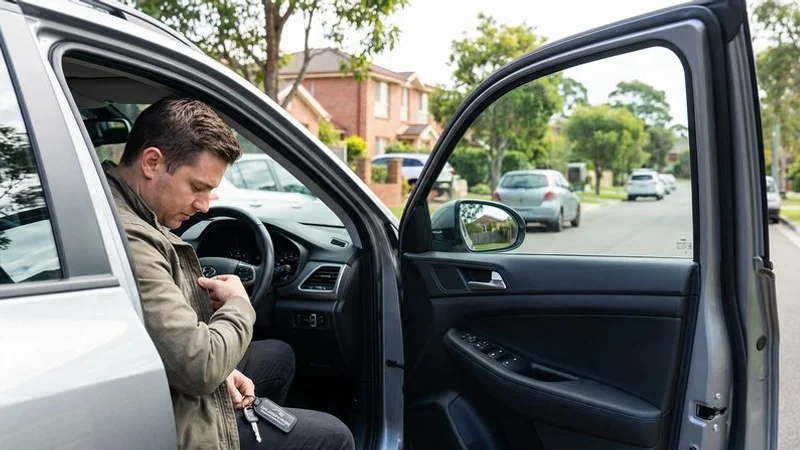
You know that sinking feeling. The door clicks shut, and you immediately realize your keys are sitting on the driver’s seat. It happens to thousands of Sydney drivers every year. From what we see on the road, it is easily one of the most frustrating interruptions to a busy day.
The NRMA responds to over 60,000 lockout calls annually in NSW alone. While we are always ready to help you get back into your vehicle, the best lockout is the one you avoid entirely. Preparation is usually cheaper than an emergency callout.
Here are five proven, practical ways to prevent locking your keys in your car.
1. Get a Spare Key Made and Keep It Somewhere Safe
This is the single most effective investment you can make. A spare key ensures that a moment of forgetfulness does not turn into a stranded afternoon. We find that many drivers avoid this because of the perceived cost of modern electronic keys.
You do not always need a full remote key as a backup. A standard “surf key” (a mechanical key replacement with no electronics) can open the door on many models for under $50. It won’t start the engine if your car has an immobilizer, but it will get you inside to retrieve your main keys.
Where to keep your spare key:
- With a trusted contact: Leave one with a friend or family member who lives within a 15-minute drive. This is the safest method.
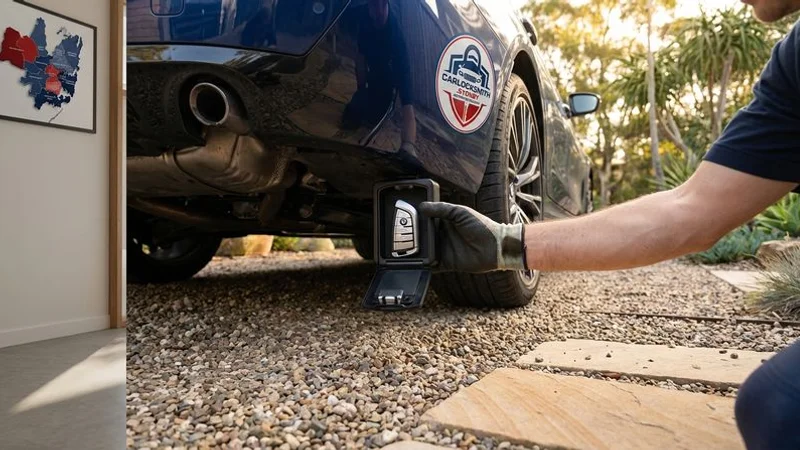
- In a magnetic key box: You can attach these to the vehicle’s chassis. Look for heavy-duty options like the Master Lock 5400D or similar models available at Supercheap Auto or Bunnings.
- In your wallet: Ask us to cut a flat metal key blade without the plastic head. This fits into a credit card slot in your wallet.
- At your office: A locked desk drawer is an excellent backup location if you commute to the same place daily.
Important: Never hide a spare key in the wheel arch or on top of the tyre. Thieves check these spots first.
2. Use a Bluetooth Key Finder
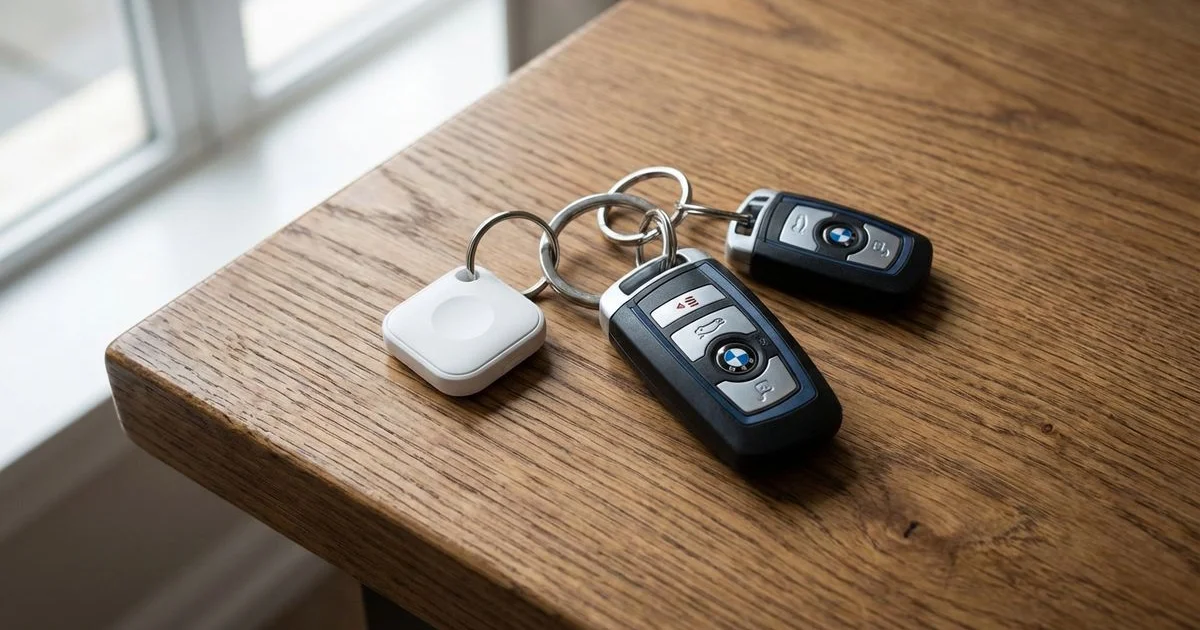
Bluetooth trackers have transformed how drivers manage their keys. These small devices attach to your keyring and communicate with your phone. They effectively solve the “where are my keys?” panic before you leave the house.
Most importantly, they alert you before you walk away from your car.
How they help prevent lockouts:
- Left Behind Alerts: This is the most critical feature. Your phone triggers a notification the moment the Bluetooth connection drops, warning you that you have walked away without your keys.
- Precision Finding: If the keys are somewhere inside the car, the app can guide you to their exact location (under a mat or in a gap).
- Reverse Ringing: You can press the button on the tracker to make your phone ring, ensuring you have both items before exiting.
Best options for Sydney drivers (2025 Market Rates):
| Device | Approx. Price (AUD) | Range | Unique Feature | Network |
|---|---|---|---|---|
| Apple AirTag | $49 | Global | Precision Finding (UWB) | Apple Find My |
| Tile Pro | $59 | 120m | Loudest Speaker | Tile Network |
| Samsung SmartTag 2 | $55 | 120m | Compass View | SmartThings |
| Chipolo ONE | $45 | 60m | Out of Range Alerts included free | Chipolo + Apple |
The “Left Behind” alert on Apple and Chipolo devices is particularly reliable. Investing $50 here can save you hundreds on emergency services later.
3. Build a “Keys First” Exit Routine
Hardware fails, and batteries die. A solid mental habit is your most reliable defense. We recommend adopting a technique similar to the Japanese railway safety system known as “Shisa Kanko” or “Pointing and Calling.”
This method forces your brain to acknowledge an action. You physically touch the object and state its presence before moving on.
Try the “Touch and Go” method:
- Turn off the ignition.
- Physically hold the keys in your hand. Do not put them in a pocket or bag yet.
- Look at the keys in your hand and say “Keys in hand.”
- Exit the vehicle and lock it.
Other routine tips:
- The Three-Point Check: Before closing the door, tap your phone, wallet, and keys.
- Avoid the Cupholder Trap: Never place keys in the cupholder or passenger seat. These are the most common places keys are left during a lockout.
- Use a Carabiner: Clip your keys to a belt loop immediately upon removing them from the ignition.
- Push-Button Discipline: If you have a keyless start car, keep the fob in your pocket. Do not remove it while driving.
It takes roughly 21 days to cement a new habit. Stick with the vocal check for three weeks, and it will become second nature.
4. Choose a Car With Smart Lockout Prevention Features
Vehicle manufacturers have introduced technology specifically to stop this problem. If you are shopping for a car, check the specs for active lockout prevention. We see far fewer lockouts with vehicles produced after 2019 due to these systems.
Features to look for:
- Smart Key Detection: The car detects if the fob is inside the cabin and refuses to lock. You will often hear a rapid “beep-beep-beep” warning if you attempt to lock the door with the fob inside. This is standard on most modern Toyota, Mazda, and Hyundai models.
- Keypad Entry: Ford is famous for its SecuriCode invisible keypad on the driver’s door pillar. You can lock your keys inside intentionally (e.g., while swimming) and use a 5-digit code to re-enter.
- Telematics Apps: Brands like Tesla, BMW, and Mercedes-Benz allow you to unlock the car via their proprietary apps.
- Walk-Away Auto Lock: You can configure settings in cars like the Honda CR-V or Civic to lock automatically only after the key fob is detected moving away from the vehicle.
Insider Tip: Check your car’s settings menu under “Doors & Locks.” You may be able to disable “Passive Locking” if your car is locking itself too quickly while you are refueling or loading groceries.
5. Set Up Phone-Based Backup Access
Your smartphone is the ultimate fallback tool. Most drivers carry their phones everywhere, making them the perfect digital skeleton key. We strongly suggest setting this up before you have an emergency.
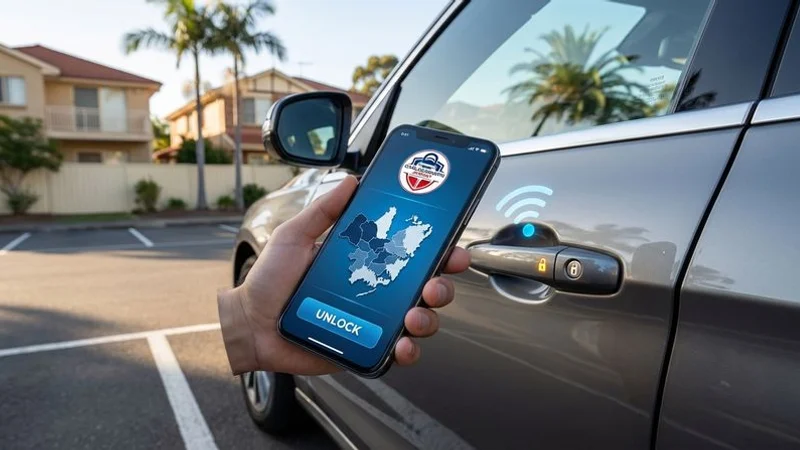
Digital Car Key Technology: Many newer vehicles support Apple CarKey or Google Digital Car Key. This uses the NFC or Ultra-Wideband chip in your phone to unlock and start the car. You hold your phone near the door handle just like a credit card payment.
Other backup methods:
- Manufacturer Apps: Download the specific app for your car (e.g., MyHyundai, Kia Connect, Toyota Link). Verify your account and test the remote unlock feature today.
- Roadside Assistance Apps: If you are a member of the NRMA, download their app. It allows you to request a lockout service with your precise GPS location, bypassing call center queues.
- Save a Locksmith: Save our number or a local provider in your “Favorites.” Searching for a reputable locksmith with a 1% battery life is stressful and risky.
Pro tip: Keep a portable power bank in your bag. Digital keys require your phone to have power.
Bonus Tip: Know Your Car’s Quirks
Every manufacturer programs their security logic differently. We recommend spending five minutes with your owner’s manual to answer these specific questions:
- Will the boot auto-lock immediately after I close it, even if the rest of the car is unlocked?
- Does the car have a “deadlock” feature that engages after a certain time delay?
- Can I lock the doors using the interior button while the driver’s door is open? (Many older cars allow this, which is a primary cause of lockouts).
Understanding these behaviors prevents you from assuming the car is “smart” enough to save you when it isn’t.
The Bottom Line
Preventing a lockout is about combining simple habits with modern technology. You can drastically reduce your risk by cutting a mechanical spare key, using an AirTag or Tile, and adopting a “touch and go” exit routine.
Preparation costs very little compared to the price of an emergency callout. For a detailed breakdown, see our guide on how much car lockout service costs in Sydney.
Lockouts can still happen to the most careful drivers. If you find yourself stranded, stay calm. A professional emergency car lockout locksmith in Sydney can get you back on the road quickly and without damaging your vehicle.
Looking for this service?
View our emergency lockout service →